Desktop and mobile#
Carrotz is used both on a computer in a browser and as an app on mobile. The two are not two versions of the same thing — they cover different parts of the job, and some things can only be done on a computer.
The app is installed from the browser, not from the App Store. See Installing the app.
These only work on a computer#
Setup and administration are done in the desktop version:
- Locations
- Objects
- Maintenance plans
- Checklists
- Inventory
- Users and permissions
- Company settings
So you cannot set up a new maintenance plan from your phone. That is deliberate — these are tasks that need an overview and a large screen.
These you do in the app#
Most of the execution work:
- Open and carry out work orders
- Complete checklists
- Take photos and write comments
- Record deviations and cases
- Log hours
- Open and sign documents
- Complete a JSA
What should I use when?#
| Task | Use |
|---|---|
| Carrying out a job on site | Mobile |
| Documenting with a photo while working | Mobile |
| Recording a deviation you spot there and then | Mobile |
| Filling in a JSA before you start | Mobile or desktop |
| Setting up a new maintenance plan | Desktop only |
| Adding locations and objects | Desktop only |
| Creating checklists | Desktop only |
| Adding a user or changing permissions | Desktop only |
| Distributing work across the week | Both — the Planner in the app, or on desktop |
| Pulling a report | Desktop |
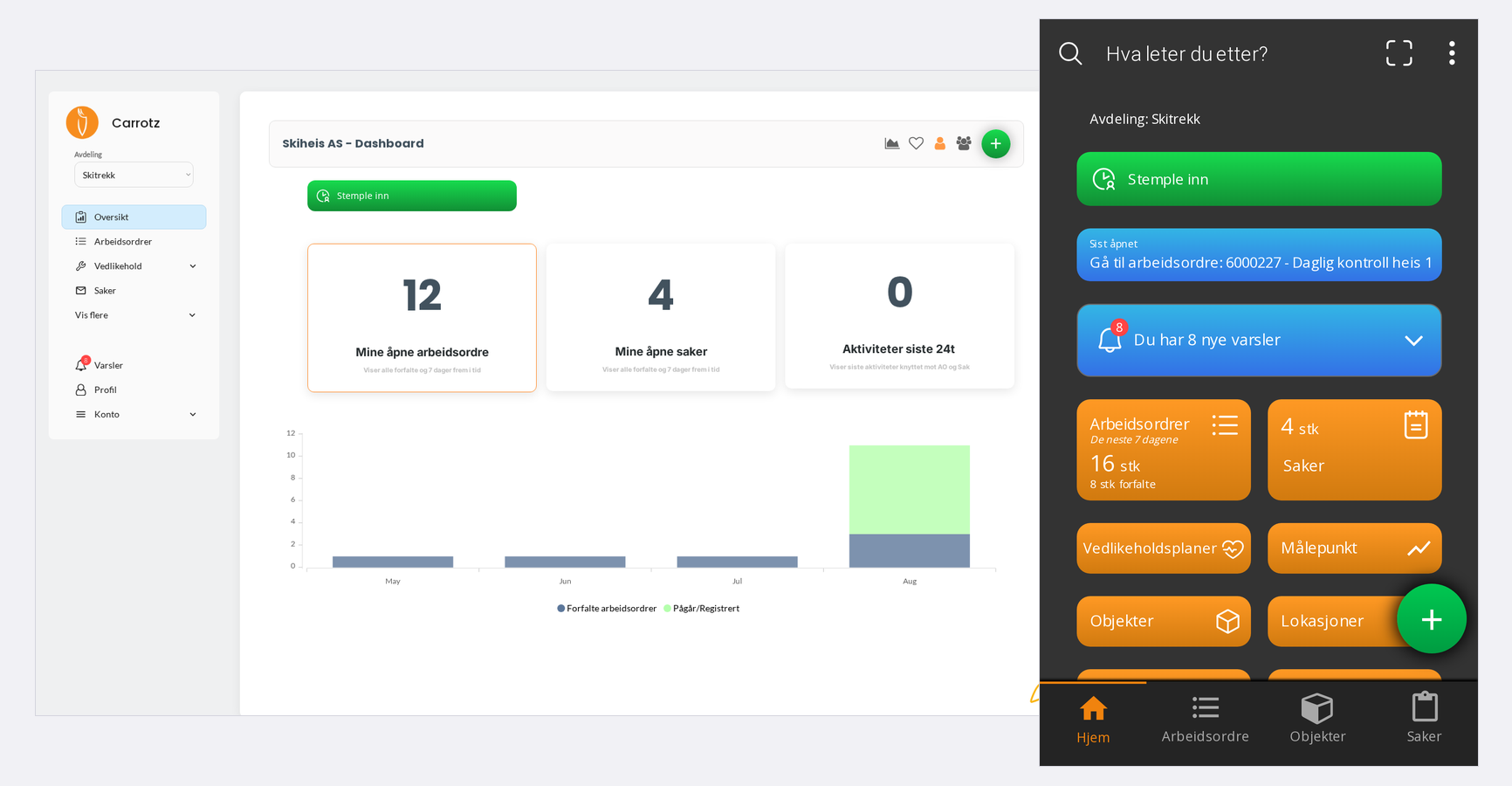
Which features you see also depends on your organisation’s setup and your permissions. See Access and roles.