The app in the field#
The app is built for work out in the field. It covers what you need while the job is happening.
The app is installed from the browser, not from the App Store or Google Play. See Installing the app.
What you do in the app#
- Open work orders and see the tasks belonging to them
- Complete checklists and document with photos
- Upload documentation — photos and files from the field
- Write comments as you go
- Record deviations when you spot something
- Log hours on the job
- Open documents — instructions, procedures, O&M
- Sign documents where the signing feature is available in the mobile flow
- Complete a JSA when the job requires it
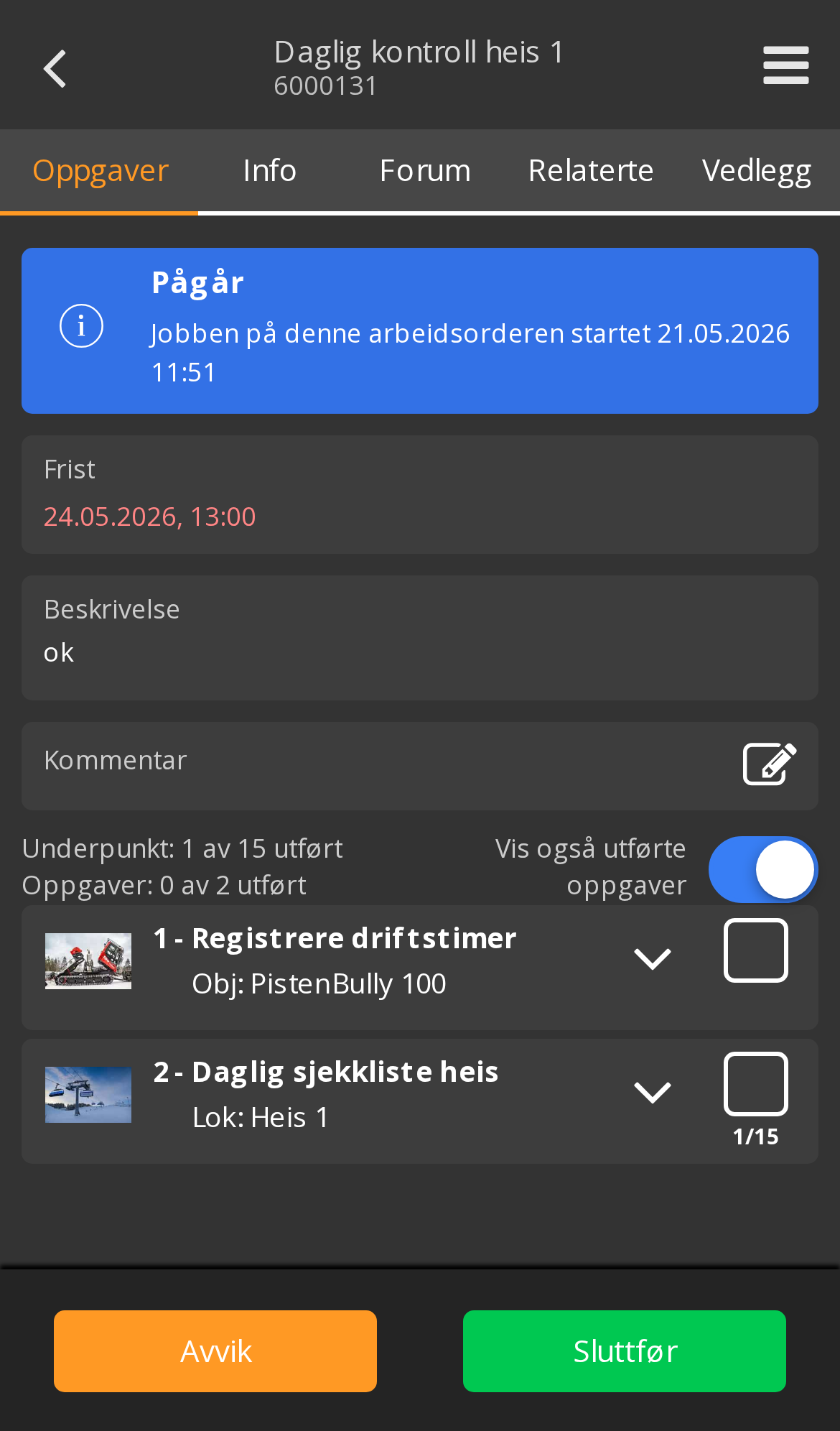
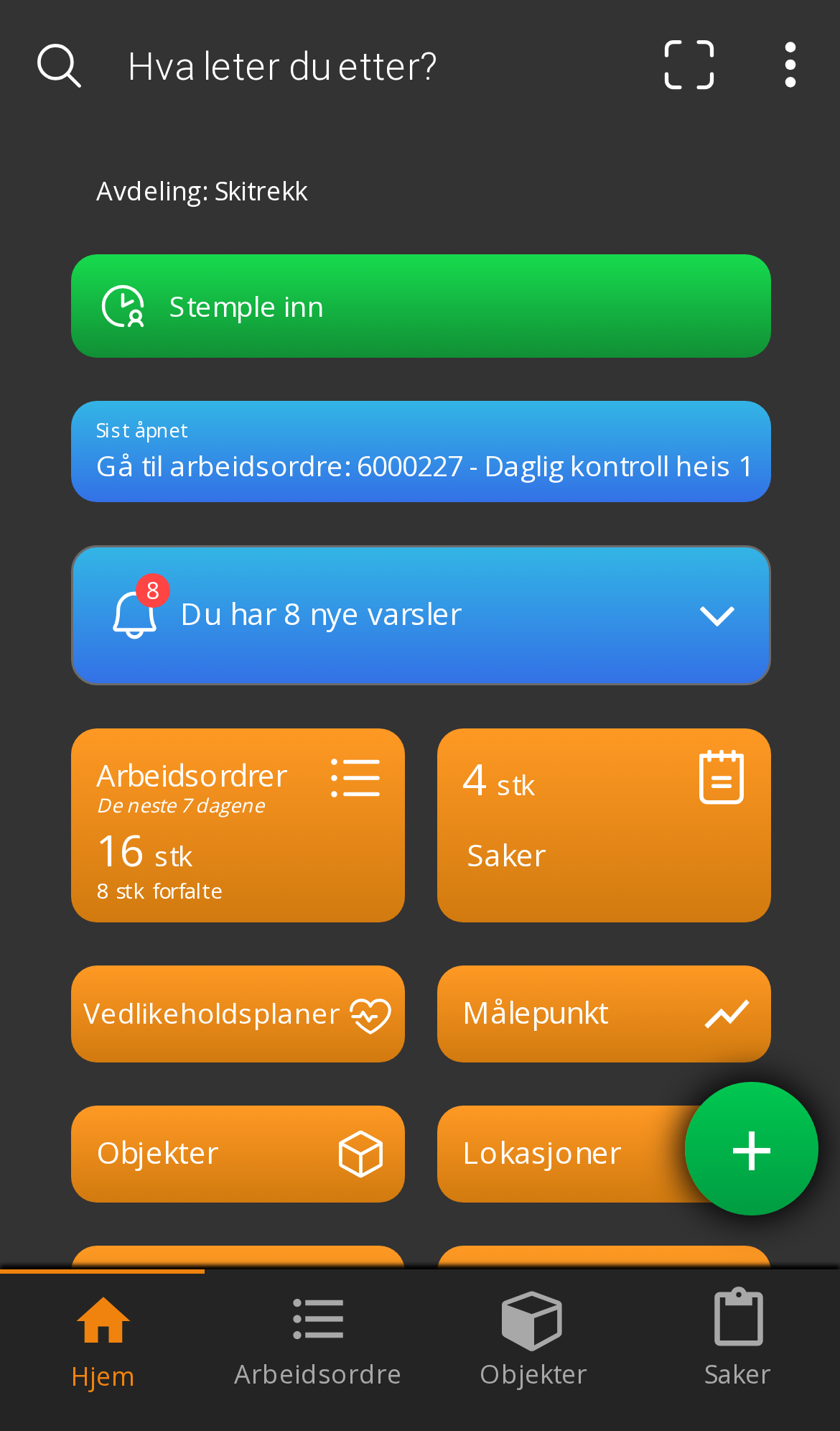
Work orders are grouped by urgency#
The list splits into Overdue, Due today and further ahead, with a count in each group. You don’t have to sort — what’s urgent is at the top.
See Home screen for the rest of what the app offers.
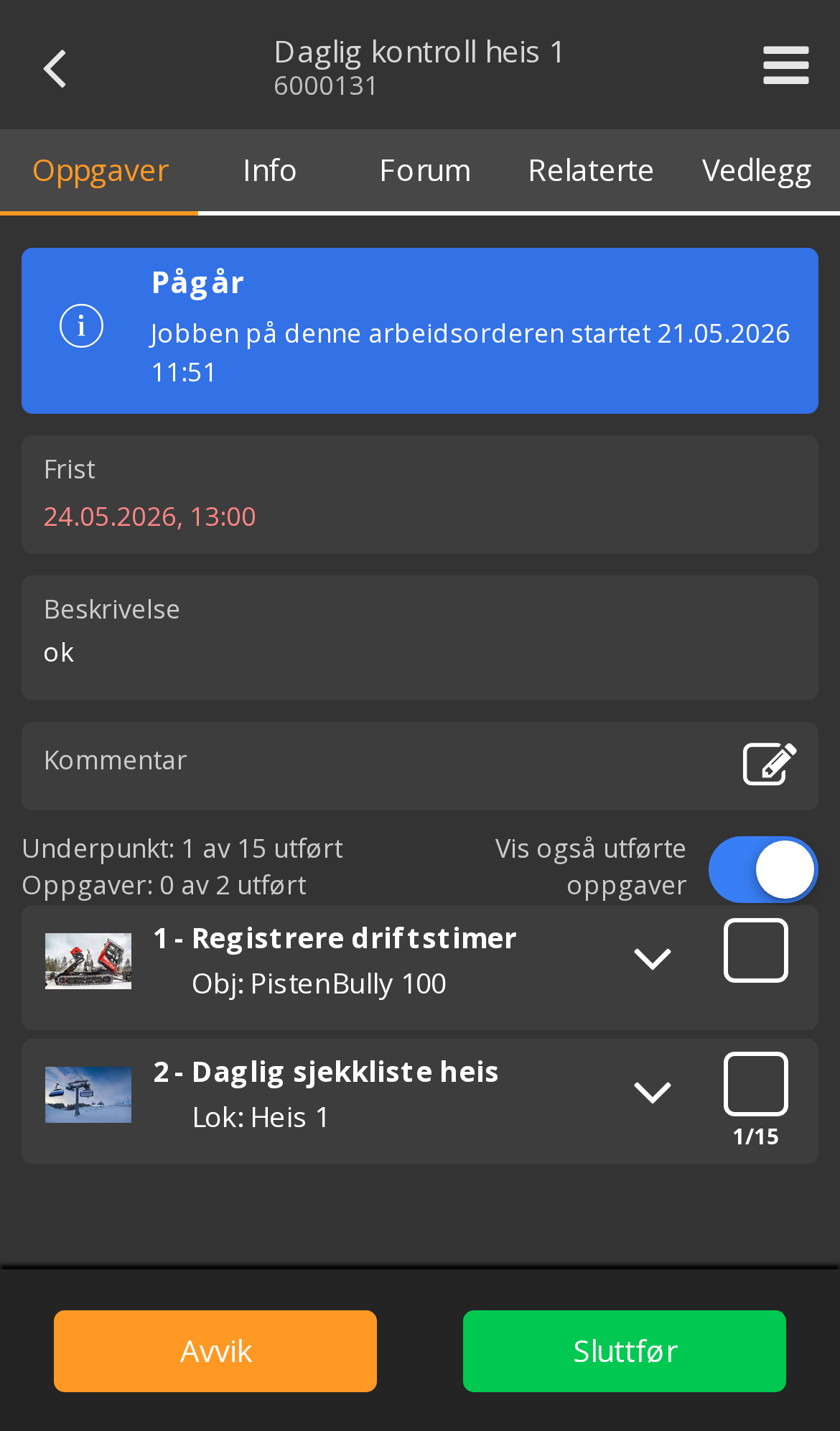
Photos are the point#
The camera is the biggest advantage of working on mobile. A photo taken in the moment replaces a lot of writing, and is far more precise.
Photograph:
- The condition before you do anything — the starting point
- The fault itself — what’s wrong
- The condition after — evidence of the work done
- Nameplates and serial numbers — when you’re unsure what you’re looking at
- Meter readings — when you’re recording values
Practical advice in the field#
| Situation | Advice |
|---|---|
| Dirty hands | Take the photos first, write the comments when you’re done |
| Long job | Record as you go rather than everything at the end |
| Unsure what you’re seeing | Take a photo and put the question in the comment |
| Job spanning several days | Remember a new JSA each day — it’s valid for 24 hours |
Record information while the work is happening — it gives the best history. It’s also faster, because you avoid reconstructing the day afterwards.
These are done on a computer#
Some things don’t belong in the app. Setting up locations, objects, maintenance plans, checklists, inventory, users, permissions and company settings works only in the desktop version.
If you need a new checklist or a new object while you’re out, ask your supervisor to add it — or do it yourself when you’re back.
Which features you see in the app also depends on your organisation’s setup and your permissions. If something you need in the field is missing, tell your administrator — it’s often a setting.