JSA and risk assessment#
Two related but different tools: risk assessment evaluates risk at an overarching, structured level, while JSA evaluates the risk in one specific job right before it is carried out.
Risk assessment#
Risk assessment is used to identify, evaluate and follow up risk in a structured way.
It can be applied to:
- Hazardous work
- Equipment and installations
- Areas
- Processes
- Changes
The chain from hazard to residual risk#
Hazard → Cause → Event → Consequence → Barriers → Actions → Residual riskFor each link you describe:
| Link | The question you answer |
|---|---|
| Hazard | What could harm people, equipment or the environment? |
| Cause | What could set it off? |
| Event | What actually happens? |
| Consequence | How bad could it get? |
| Barriers | What prevents it today? |
| Probability | How likely is it? |
| Actions | What are we doing about it? |
| Residual risk | What remains after the actions? |
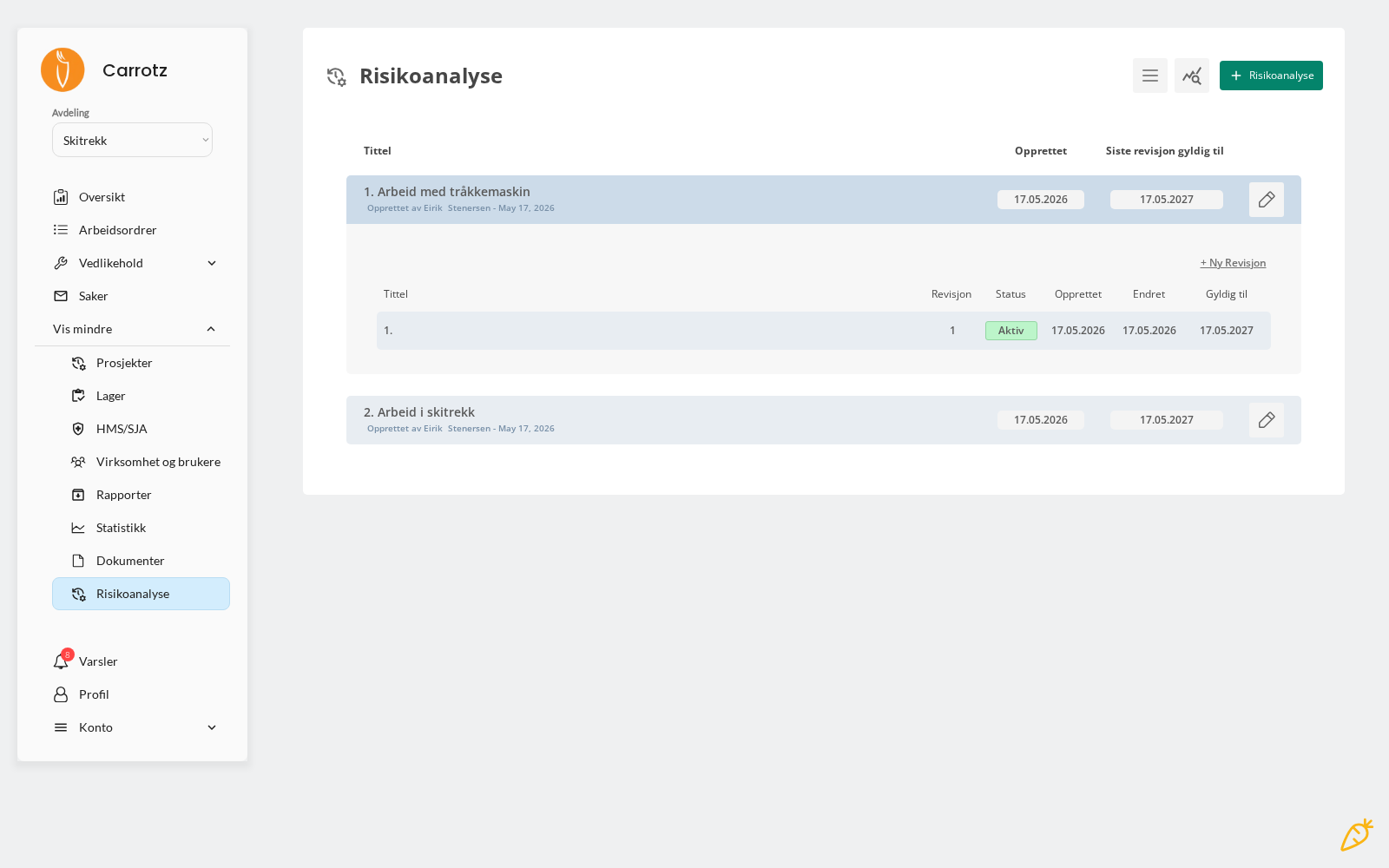
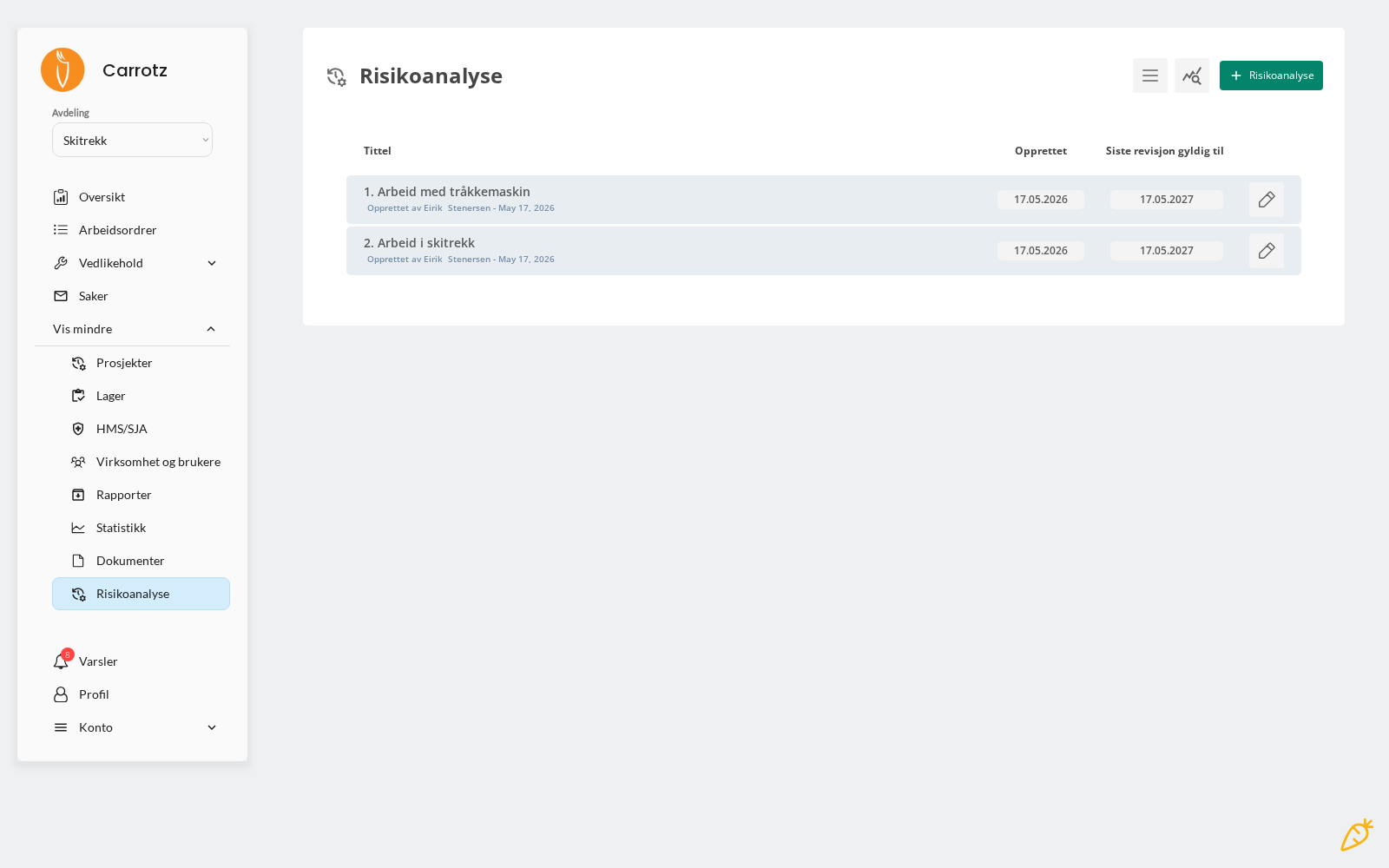
Always use your own organisation’s risk matrix and assessment method.
Probability, consequence, colour coding and acceptance criteria must follow your own method. Carrotz is the tool — the method is yours. A risk assessment done with the wrong matrix is worse than none, because it looks authoritative.
Probability × consequence — before and after actions#
Each risk line is assessed twice:
| Meaning | |
|---|---|
| P | Probability |
| C | Consequence |
| R | Risk — the result of P × C |
First the risk is assessed as it stands today. Then the residual risk is assessed after the actions are in place — the fields P after, C after and R after.
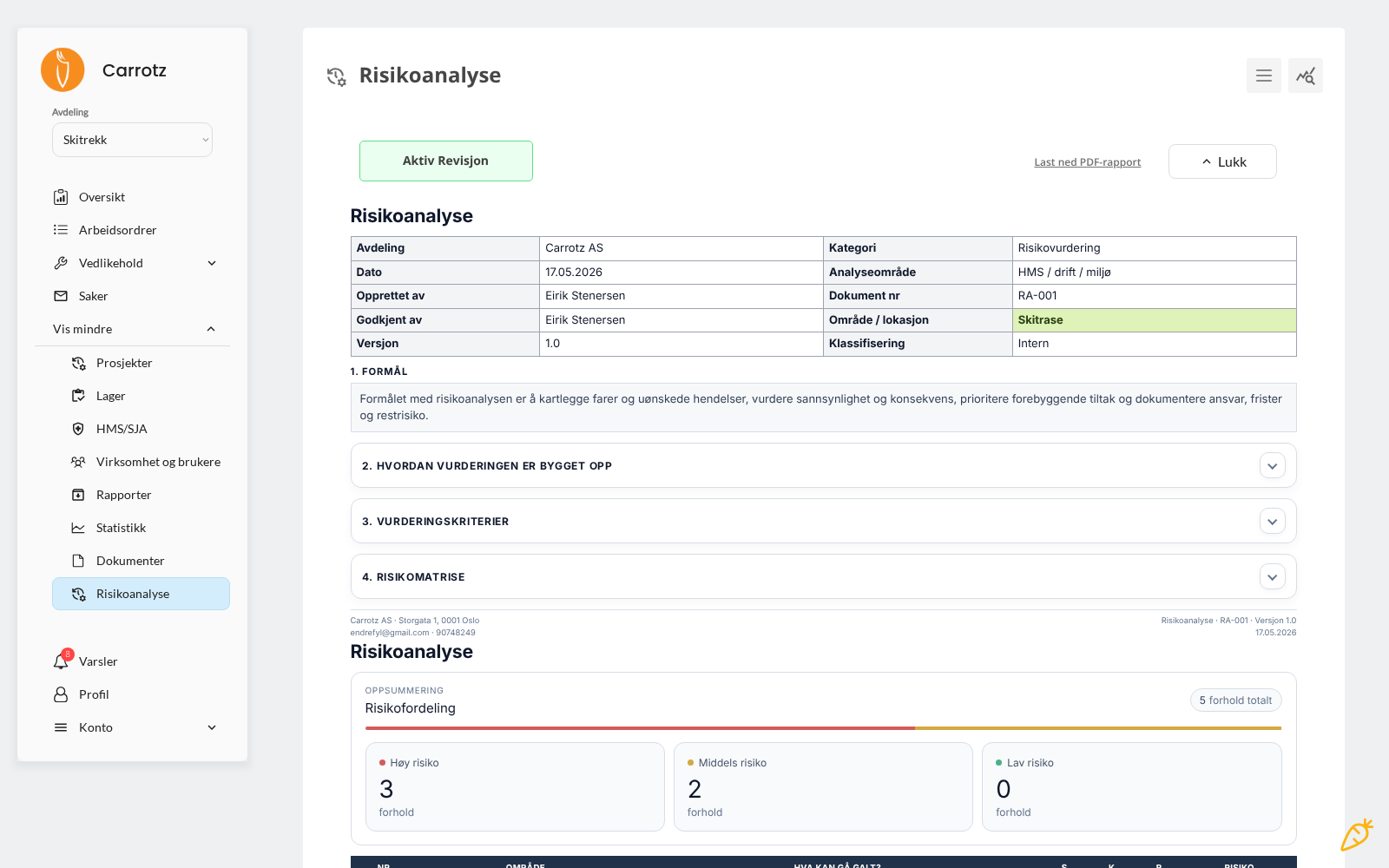
An example from a real assessment: “Personal injury and equipment damage from fire on the machine” had P=2, C=5 → R=10 MEDIUM. After actions (training, fire instructions, extinguishers, evacuation plan) it became P=1, C=3 → R=3 LOW.
This is what shows the actions actually work — and these are the numbers an inspector looks for.
Each action has an owner and a deadline.
Revisions#
A risk assessment consists of revisions, not just of itself. Each revision has:
- Revision number
- Status — for example Active
- Created and Modified
- Valid until — a specific date
When the assessment is to be reviewed, you create a new revision rather than editing the old one. The previous one is kept in the revision history, with what changed on which risk line. Old revisions can be archived.
The “valid until” date is what keeps risk management alive. Set it deliberately — an assessment that expired two years ago is worse than none, because it looks valid in the archive.
Approval and signatures#
Each revision has its own approval block with role, name, date and signature:
| Role | Typically |
|---|---|
| Prepared by | Whoever carried out the assessment — for example the operations manager |
| Approved by | Whoever is accountable — for example the managing director |
The assessment can be printed as a standalone document with the organisation’s contact details, document number and version (for example RA-001 · Version 1.0). This is the document you present at an inspection.
JSA — Job Safety Analysis#
JSA is used when the risk in one specific job must be assessed before the work goes ahead.
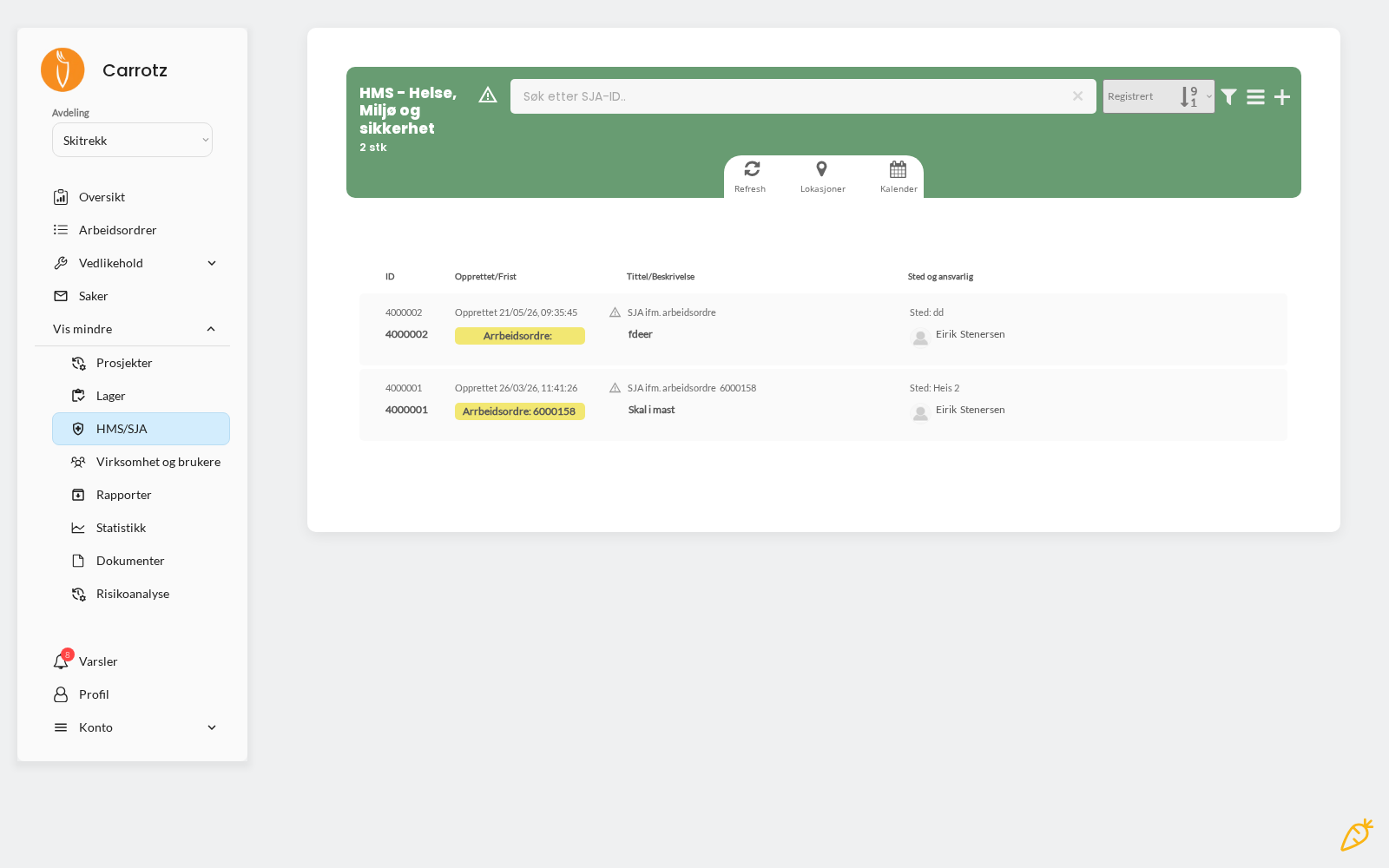
A JSA must be completed before a work order can be started — not before it is completed. Without it, you don’t get going on the job.
How the requirement is set#
The JSA requirement is set on the individual work order. When creating one, there is a dedicated choice: “Should the work order require a JSA (Job Safety Analysis) before it can be started?” — the default is No.
If JSA should be mandatory for a type of work that recurs, set the requirement on the maintenance plan, so every generated work order inherits it.
The 24-hour rule#
A JSA is valid for 24 hours. If it was completed more than a day ago, it must be filled in again before the work can start.
That is deliberate: conditions change. Weather, staffing, what else is happening on site — a risk assessment done last night doesn’t necessarily describe the situation you’re in now.
In practice that means:
- If the job spans several days, a new JSA must be completed each day
- If a job is postponed until the next day, yesterday’s JSA is no longer valid
- Fill it in when you’re actually about to start, not well in advance
Where you complete it#
A JSA can be completed both in the mobile app and in the desktop version. In practice it is usually done on mobile, since it must be filled in right before the work starts — which is where you are.
JSA contributes to documented HSE follow-up.
The difference in practice#
| Risk assessment | JSA | |
|---|---|---|
| Level | Overarching — equipment, area, process | Specific — this job, today |
| When | At establishment and revision | Right before the work starts |
| Duration | Applies over time | Valid for 24 hours |
| Blocks | No | Yes — the job cannot be started without it |
The risk assessment says “this work is hazardous, and here is how we handle it generally”. The JSA says “today, in these conditions, with this equipment — are we confident about doing it now?”
* The exact menu position can depend on your organisation’s setup and your permissions.