Locations#
Locations describe where equipment and work are. They are the foundation of the structure — everything else hangs off them.
What a location is#
A location is a place in your facility, organised in a hierarchy:
Site 1                   ← level 1
└── Building A           ← level 2
    └── Plant room       ← level 3
All examples in this documentation are fictional. “Site 1”, “P-102 Feed pump” and similar are illustrations, not real facilities.
The hierarchy should mirror the facility as it actually is. Then people find their way without searching.
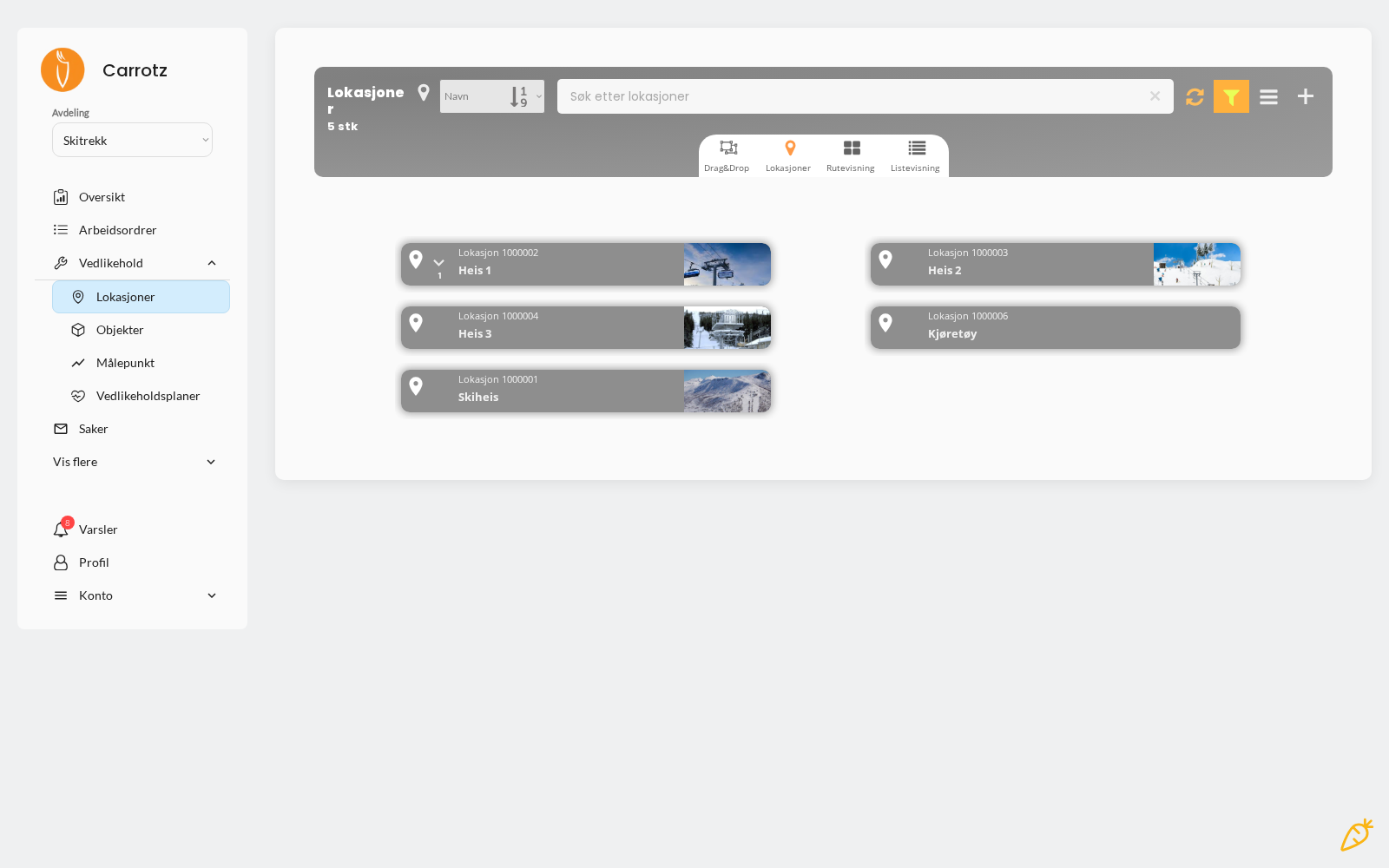
Three ways to view locations#
| View | When it’s useful |
|---|---|
| List view | The ordinary overview — searching and browsing |
| Route view | See locations as a route, for work that follows a fixed round |
| Drag & drop | Rebuild the hierarchy by dragging locations where they belong |
Drag & drop is the fastest route when the structure needs changing — you avoid editing each location individually to move it.
What you can record#
- Name — what people actually call the place
- Position in the hierarchy — which location it sits under
- Address or GPS coordinates — where useful
Why it’s worth doing properly#
A good location hierarchy gives three things:
- Easier to find equipment — you navigate to where you know it is
- Work orders organised correctly — jobs end up where they belong
- History gathered in the right place — all activity at a location is traceable
Setup advice#
Mirror reality, not the org chart. The field user thinks “the pump room in building A”, not “operations north”.
You have three levels to work with. Use them deliberately — there is no room for a fourth, so the bottom level must be where the equipment actually sits.
Use names people recognise. If the door says “PR-A-01”, use that — ideally with an explanatory text alongside.
Separate location from object. The location is the place. The pump standing there is an object. A common mistake is entering equipment as locations.
If you change the location structure after history has been recorded, be conscious of what happens to earlier work orders. Spend a little extra time on the structure at the start — it is the most expensive thing to redo.
Next step: Objects.